Galaxy and black hole simulator apps for Android: an honest guide
The galaxy and black hole simulator apps on Google Play, from build-your-own gravity sandboxes such as Pocket Galaxy to a ray-traced black hole. What each does, what it costs, and which have ads, each described from its own Google Play listing, by the maker of one of them.
The best galaxy and black hole simulator apps for Android are Pocket Galaxy or Galaxy Space Simulator 3D to build and smash your own systems, BlackHole - Physics Simulator for a realistic black hole, Black Holes by Microsys for a guided tour, Aether Gravity and Particle Physics Simulator for N-body sandboxes, Pocket Cosmos as a calm gravity toy, and Everdust for ready-made galaxy collisions and black holes.
I make Everdust, one of the apps below, so read this with that in mind. I've tried to describe each app by what its own Google Play listing says it does, and to say plainly when another app is the better pick. Pocket Galaxy: Space Sandbox costs $2.49, Black Holes $0.99, and the rest are free to download. The listings show which ones have ads or in-app purchases, and I've passed that on, with the download counts Google Play shows for the others. Store details were checked on October 25, 2026 (Black Holes and Black Hole 3D on October 29, when I added them).
The short answer
- You want to build your own solar system and smash it: Pocket Galaxy or Galaxy Space Simulator 3D.
- You want to study a realistic black hole: BlackHole - Physics Simulator.
- You want a guided tour of the kinds of black hole, with a VR mode: Black Holes by Microsys.
- You want a black hole on your home screen: Black Hole 3D - Live Wallpaper.
- You want an N-body sandbox with black holes and science overlays: Aether Gravity.
- You want to tune gravity on a field of particles: Particle Physics Simulator.
- You want a calm, simple gravity toy with no ads: Pocket Cosmos.
- You want ready-made galaxy collisions and black holes, plus games and narrated stories: Everdust.
Most of these are sandboxes, where you place the objects and gravity does the rest. Everdust isn't, so if building is the point, start with a sandbox.
Pocket Galaxy
Pocket Galaxy: Space Sandbox by Pocket Labs Ltd is a 3D solar system sandbox. Its listing describes spawning planets, stars and gas giants under real gravity, then heating, freezing or smashing them, a planet journal that follows life on your worlds, and saving your creations. It costs $2.49, and the listing says it has no ads and no in-app purchases. Google Play shows 50K+ downloads.
There's also a free version, Pocket Galaxy: Cosmos Sandbox, with 1M+ downloads. It contains ads, and its listing says an optional in-app purchase removes them.
Pick it if you want the most downloaded build-your-own space sandbox here, and either no ads (paid) or no cost (free).
Galaxy Space Simulator 3D
Galaxy Space Simulator 3D by Magicware lets you create a solar system of planets, moons, stars and asteroids in 3D. Its listing describes gravity-driven orbits and collisions, planets unlocked through achievements, and sharing your systems online, where you can also search other people's creations. It's free, contains ads and offers in-app purchases. Google Play shows 100K+ downloads.
Pick it if you want to build systems and browse what other players have made.
BlackHole - Physics Simulator
BlackHole - Physics Simulator, listed under the developer Wonmo Seong, renders a spinning (Kerr) black hole in real time by tracing light through curved spacetime. Its listing describes gravitational lensing, the photon ring and shadow, an accretion disk with Doppler beaming, frame dragging, jets and a redshift view, with sliders for mass and spin and one-tap scenarios such as a Sgr A* proxy. It's free, and the listing says no ads, no account and that it runs offline. Google Play shows 5K+ downloads.
Pick it if you want the most physically detailed look at a single black hole. For that, it goes further than Everdust.
Black Holes (Microsys)
Black Holes by Microsys Com Ltd. is part of an educational series. Its listing describes five scenes, from an ordinary stellar-mass black hole and its accretion disk to a quasar and the supermassive black hole at the center of the Milky Way, plus gravitational waves, as if you're flying up in a spaceship, and a Virtual Reality mode. It's built for tablets and recent phones in landscape. It costs $0.99, with no ads or in-app purchases shown. Google Play shows 100+ downloads.
Pick it if you want a short guided look at each kind of black hole rather than a sandbox.
Black Hole 3D - Live Wallpaper
Black Hole 3D - Live Wallpaper by AeroShark333 puts a 3D black hole simulation on your home screen as a live wallpaper. Its listing calls it an early release and warns that it can be heavy on older phones. It's free, with in-app purchases and no ads shown. Google Play shows 100K+ downloads.
Pick it if you want a black hole you see every time you unlock your phone. (Everdust on Android has live wallpapers too.)
Aether Gravity
Aether Gravity by Antonios Psarras is an N-body sandbox, where its listing says every object pulls on every other. It describes launching planets, black holes with accretion disks and lensing, neutron stars and supernovae, and Roche limit, Hill sphere and habitable zone overlays. It's free, and the listing doesn't show ads or in-app purchases. Google Play shows 500+ downloads.
Pick it if you want to build systems and also check whether they're stable.
Particle Physics Simulator
Particle Physics Simulator by Toni Sagristà Sellés is an N-body sandbox of particles driven by each other's gravity. Its listing describes setting gravity strength, particle count, masses, friction and the collision rule (elastic, merging or none), plus an optional central black hole that pulls everything toward the middle. It's free, and the listing doesn't show ads or in-app purchases. Google Play shows 100K+ downloads; the listing was last updated in October 2025.
Pick it if you want to experiment with gravity itself rather than with planets.
Pocket Cosmos
Pocket Cosmos: Gravity Sandbox by AegisStudio is a simple N-body toy. Tap to spawn a planet, drag to slingshot one along a predicted path, and long-press to make a black hole that swallows what's nearby. Its listing describes five scenarios, including a Galaxy Collision where two clusters spiral into each other. The listing says no ads, no in-app purchases, no account, and that it works fully offline. Google Play shows 100+ downloads.
Pick it if you want a quiet gravity toy with nothing to buy.
Everdust
Everdust is the one I make, published by Decosa, Inc. It isn't a sandbox where you place every object. It's ready-made live simulations, not videos, that you turn, push and play with.
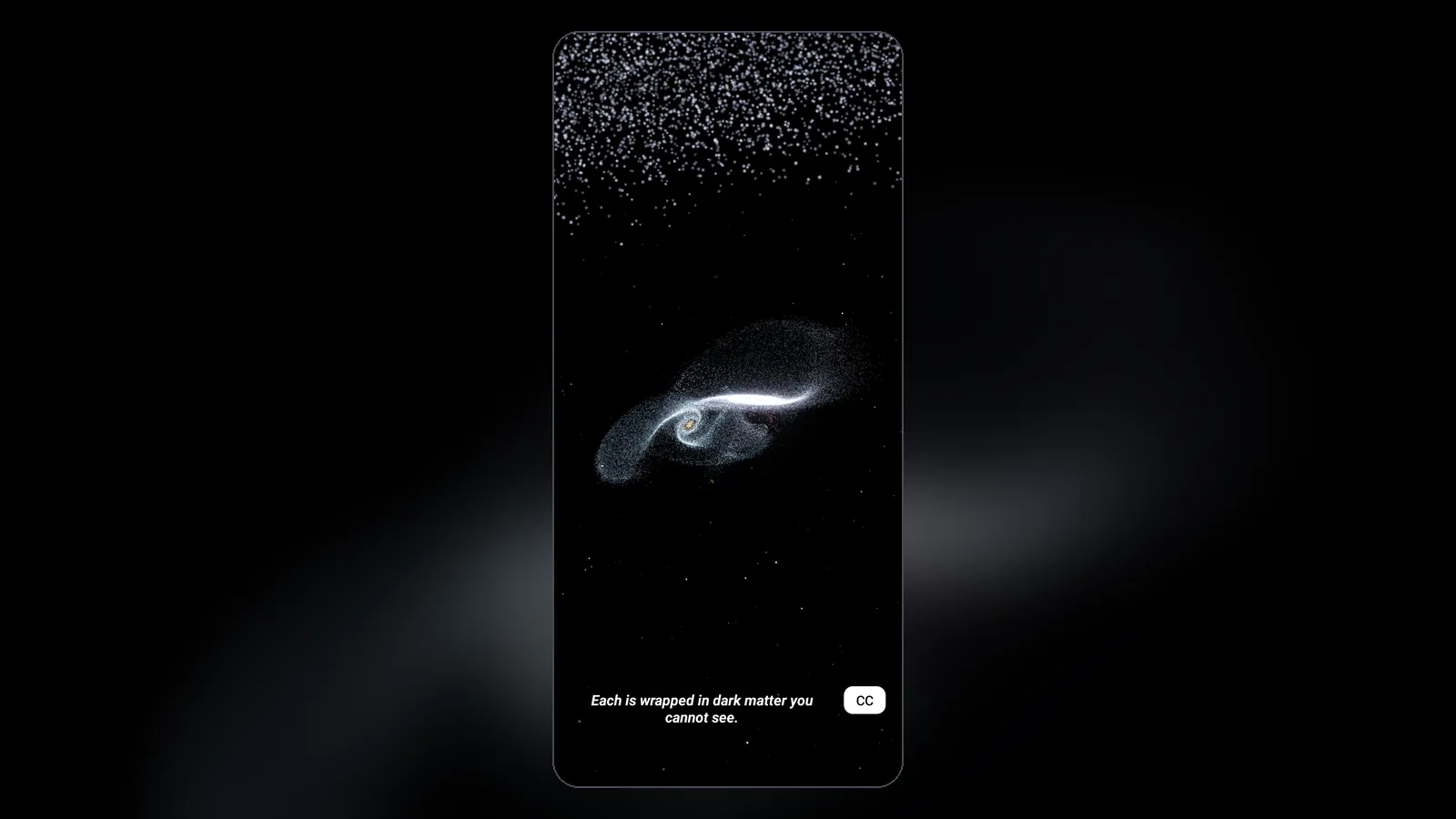
- A galaxy collision of up to about a million stars, each pulled by gravity. Drag to orbit and pinch to zoom.
- Black holes: a binary black hole merger, a black hole that bends the light behind it, and Black Hole in Your Palm, a touch toy.
- Games built on real physics, including Feed the Black Hole, where you feed a black hole suns, comets and a whole galaxy, and Black Hole Golf, where you sink a shot around one. Each game's first levels and its daily level are free.
- Narrated stories, where every chapter is a live simulation. The Story of Everything is free in full. The Life of a Black Hole's first chapter is free; the rest come with Everdust Plus.
It's free, with no ads and no account. Everdust Plus is an optional in-app purchase that unlocks every story chapter and game level. It needs Android 10 or later and a phone or tablet with Vulkan 1.1 graphics. You can try the galaxy collision in your browser first.
Pick it if you want to watch galaxies merge and black holes bend light without building anything, and play games built on the same physics.
How to choose
Do you want to build or to watch?
- To build and smash your own solar system, use Pocket Galaxy or Galaxy Space Simulator 3D.
- To study one realistic black hole, use BlackHole - Physics Simulator.
- To build with black holes and stability overlays, use Aether Gravity.
- To see galaxy collisions and black holes ready-made, with games and stories, use Everdust.
Most are free, so install a sandbox and one other and see which you keep opening. For desktop and VR options such as Universe Sandbox and SpaceEngine, see Galaxy and black hole simulators: an honest guide, and for every platform side by side, galaxy simulator apps (2026). For physics sandboxes beyond space, from The Powder Toy to rocket builders, see Physics sandbox and simulation apps for Android.
To try the particle engine on your phone before installing anything, turn any photo into living particles in the browser, free.
Questions people ask
Is there a free galaxy simulator for Android? Yes. Galaxy Space Simulator 3D and Pocket Galaxy: Cosmos Sandbox are free sandboxes, with ads. Pocket Cosmos has a galaxy collision scenario with no ads. Everdust runs a galaxy collision of up to about a million stars, with no ads or account.
Is there a realistic black hole simulator for Android? BlackHole - Physics Simulator is free and, according to its listing, ray traces a spinning black hole through curved spacetime, with lensing, an accretion disk and frame dragging. Black Holes by Microsys ($0.99) tours five kinds of black hole with a VR mode, Black Hole 3D is a free live wallpaper, and Everdust shows black holes bending light and a binary black hole merger, free.
Which of these have no ads? BlackHole - Physics Simulator, Pocket Cosmos and Everdust say they have no ads, and so does the paid Pocket Galaxy: Space Sandbox. Aether Gravity's and Particle Physics Simulator's listings don't show ads. Galaxy Space Simulator 3D and the free Pocket Galaxy contain ads.
Can I build my own solar system on Android? Yes. Pocket Galaxy, Galaxy Space Simulator 3D, Aether Gravity and Pocket Cosmos all let you place planets and stars and watch gravity take over. Everdust doesn't; its simulations are ready-made.
Which of these work offline? BlackHole - Physics Simulator's and Pocket Cosmos's listings say they run fully offline. Everdust's simulations and games run on your phone, but its narrated stories need a connection.
Questions? Ask on r/everdust, Everdust's subreddit, where I answer them.