For producers · Audio Unit, VST® 3 and CLAP on Mac
Everdust Plugin
Your track, as real physics.
Galaxies colliding, ferrofluid, murmurations and black holes, inside your DAW and locked to its tempo, bars and beats. Then render your song as a 4K music video, every frame in sync.

Everdust Plugin is VST® 3 compatible. VST is a registered trademark of Steinberg Media Technologies GmbH. Audio Unit is a trademark of Apple Inc.
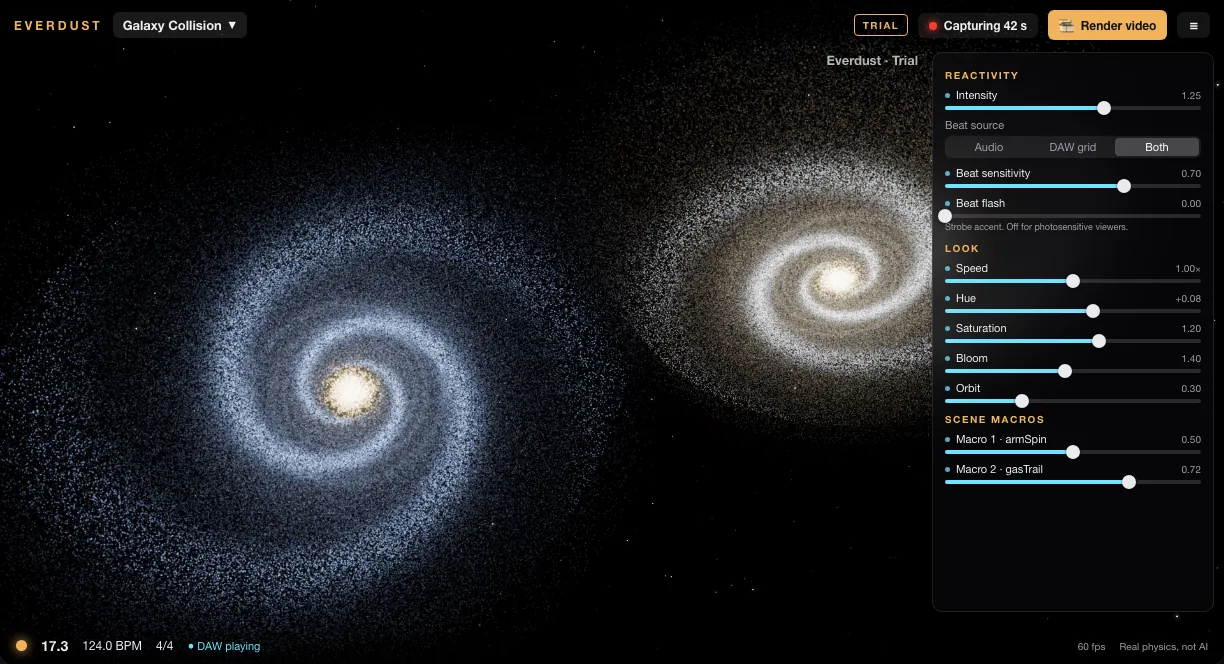
The plugin window (design mock-up from the build): Capture armed, Render video one click away.
- 26 scenesreal simulations, the best in a Featured row
- Locked to the gridyour DAW’s tempo, bar and beat, even through tempo changes
- 4K · 9:16 · HDR10offline render, nothing dropped, your audio inside
- $59once; included with Everdust Live Pro
How it works
Play the song. Get the video.
- Drop it on your master bus.It hears the whole mix and passes the audio through untouched, with no added latency.
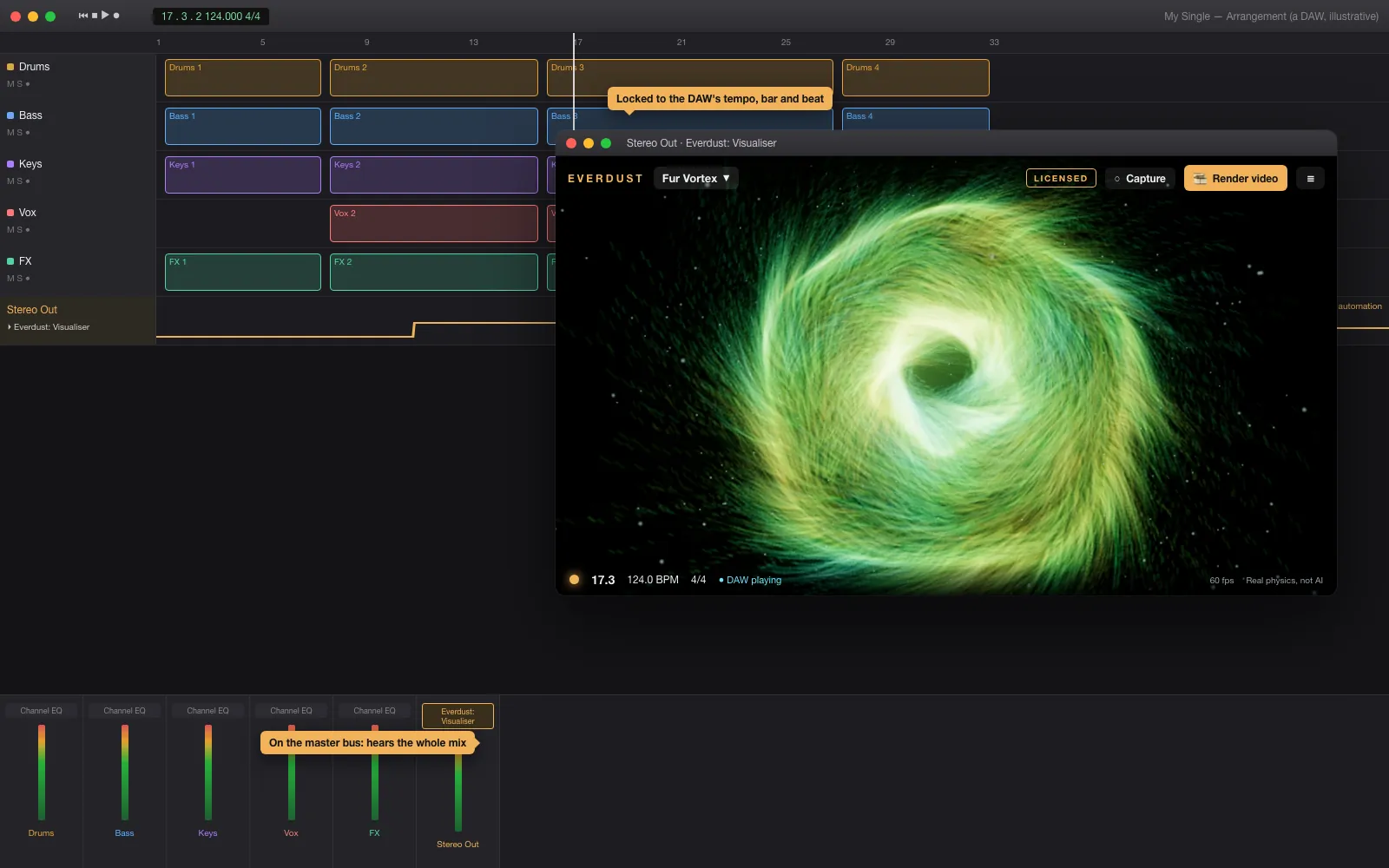
- Press play.The scene follows your DAW’s tempo, bars and beats and reacts to the mix. Automate the scene and every control.
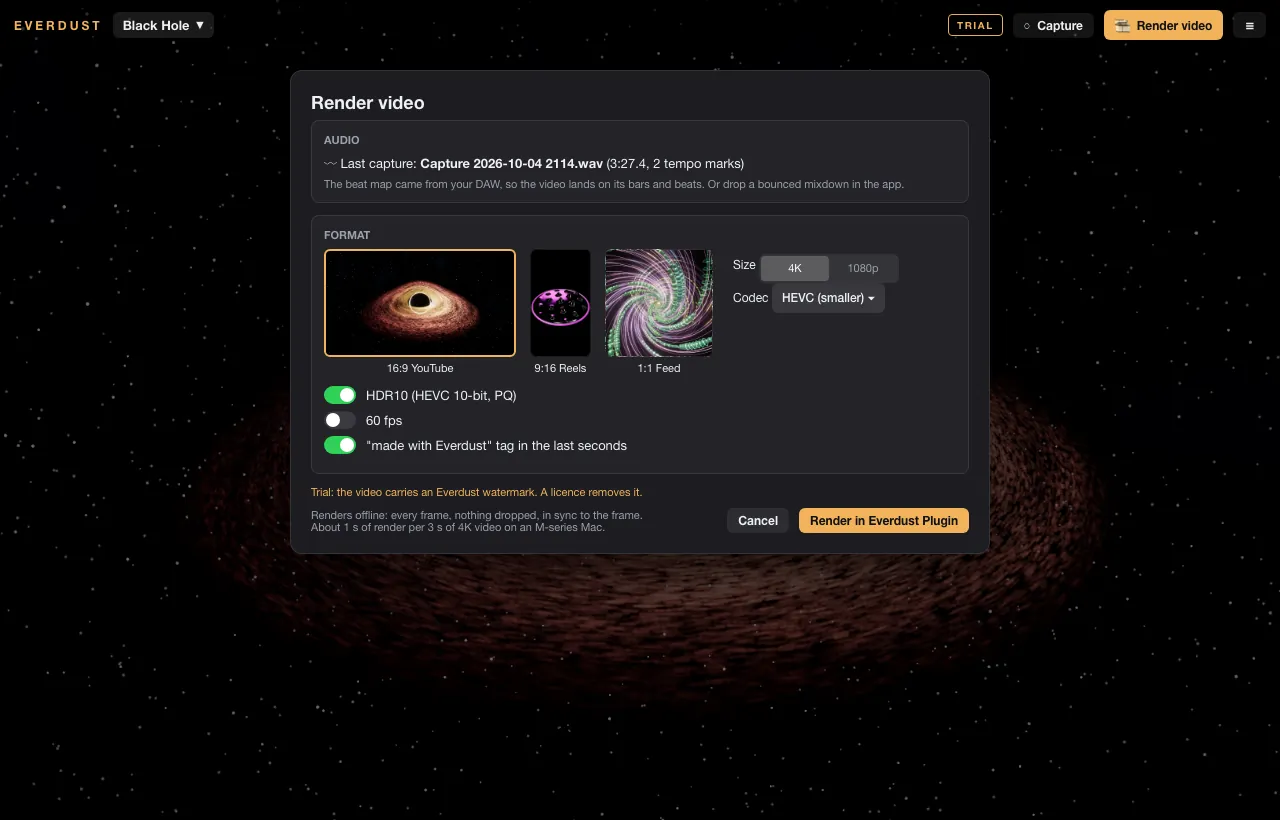
- Capture, then render.Play the song once with Capture on. Pick 16:9, 9:16 or square, 4K, optionally HDR10: one MP4, on the beat to the frame.
What’s inside
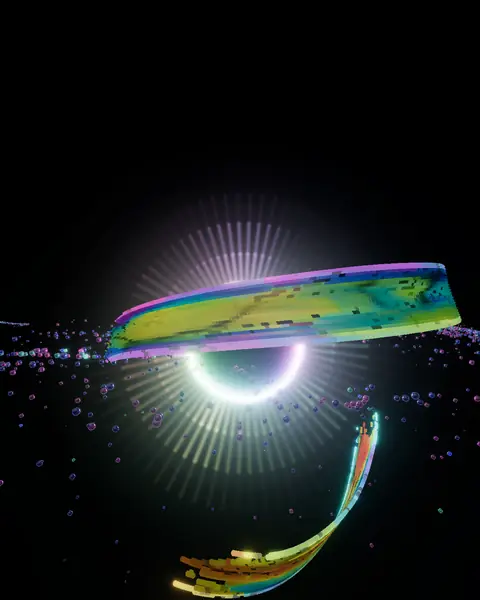
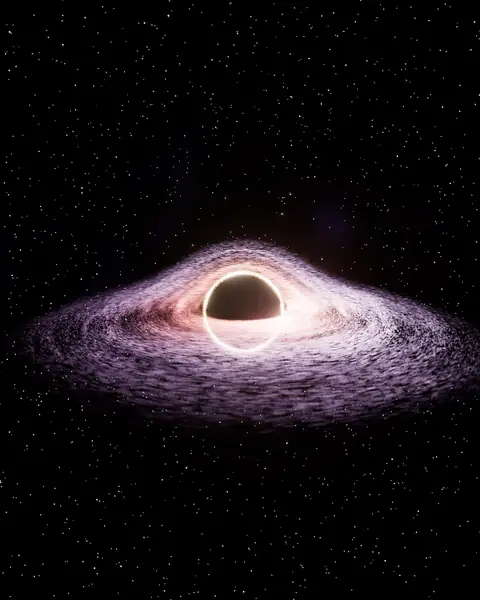
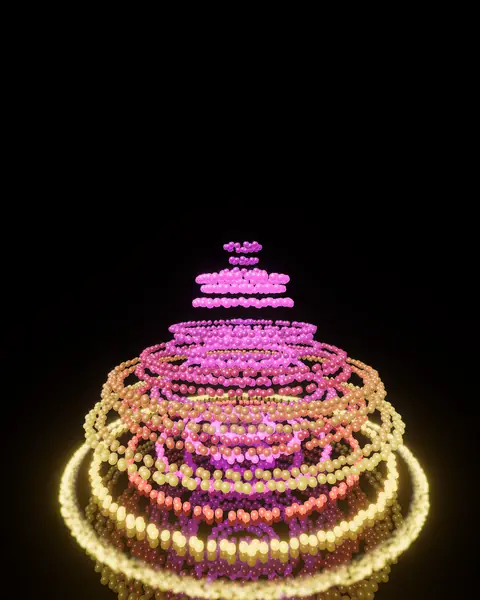
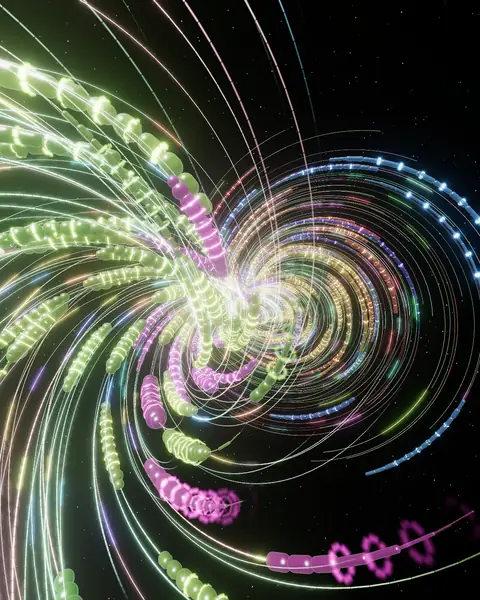
26 worlds, each with its own physics.
Featured first: Particle Vortex, Galaxy Collision, Black Hole, Bouncing Orbs, Cable Vortex, Circle Portal, Dot Tunnel. Then 8 categories, from cosmos to chaos. More arrive in free updates.

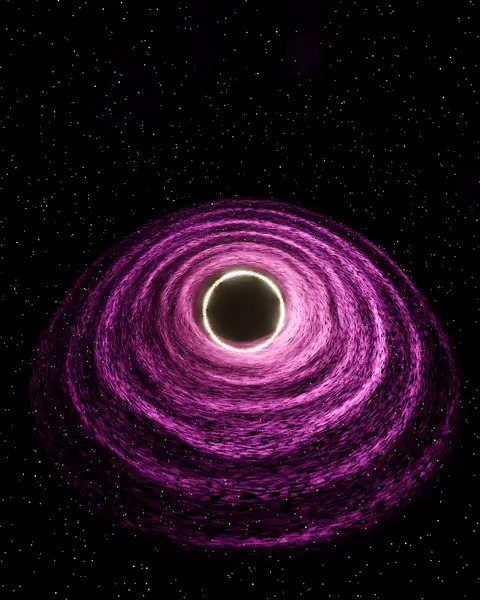
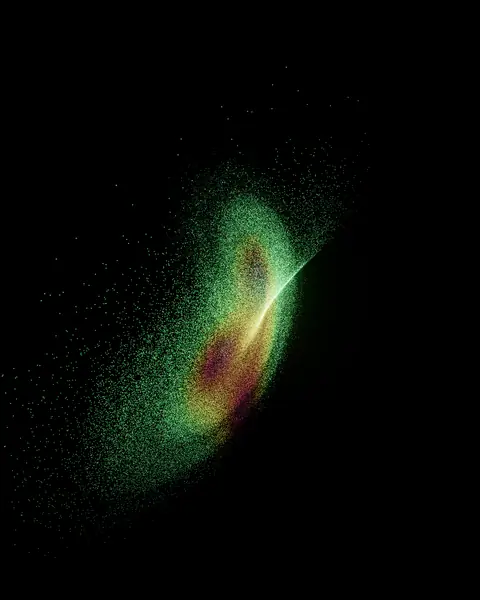
Every control automatable
- Scene, intensity, beat sensitivity and source
- Speed, hue, saturation, exposure, bloom, size, orbit
- Four scene macros: the scene’s own physics, like a galaxy’s arms or a flock’s alignment
Render video
- 3840×2160, 2160×3840 or 2160×2160
- H.264, HEVC or HDR10 (HEVC 10-bit, PQ)
- Offline and frame-locked: nothing is dropped
- Your audio muxed in
Real physics, not generated video
- Every frame simulated on your Mac’s GPU as it renders
- No stock footage and no pre-rendered clips
- Your renders are yours, monetized channels included
Formats
One installer, three formats.
- Audio Unit (AUv3)
- For DAWs that host Audio Units.
- VST3
- For DAWs that host VST3 plugins.
- CLAP
- For DAWs that host CLAP plugins.
- Mac
- Apple silicon (M1 or later), macOS 14 Sonoma or later.
VST is a registered trademark of Steinberg Media Technologies GmbH. Audio Unit is a trademark of Apple Inc.
Buy
$59, once. Pro, $99.
Two Macs, 12 months of updates, yours to keep. Plugin Pro adds spatial video for Apple Vision Pro, VR180, 360° and HDR10 and HLG masters. Own Everdust Live Pro? The plugin is already included: your Live Pro license unlocks it, Pro exports too, on the same Mac.
Want the loops too? The Creator bundle: Everdust Live Standard, Everdust Plugin and Cosmos I, $149 while founders’ places last.
VST is a registered trademark of Steinberg Media Technologies GmbH.
Free trial
Everything works. Videos carry a watermark.
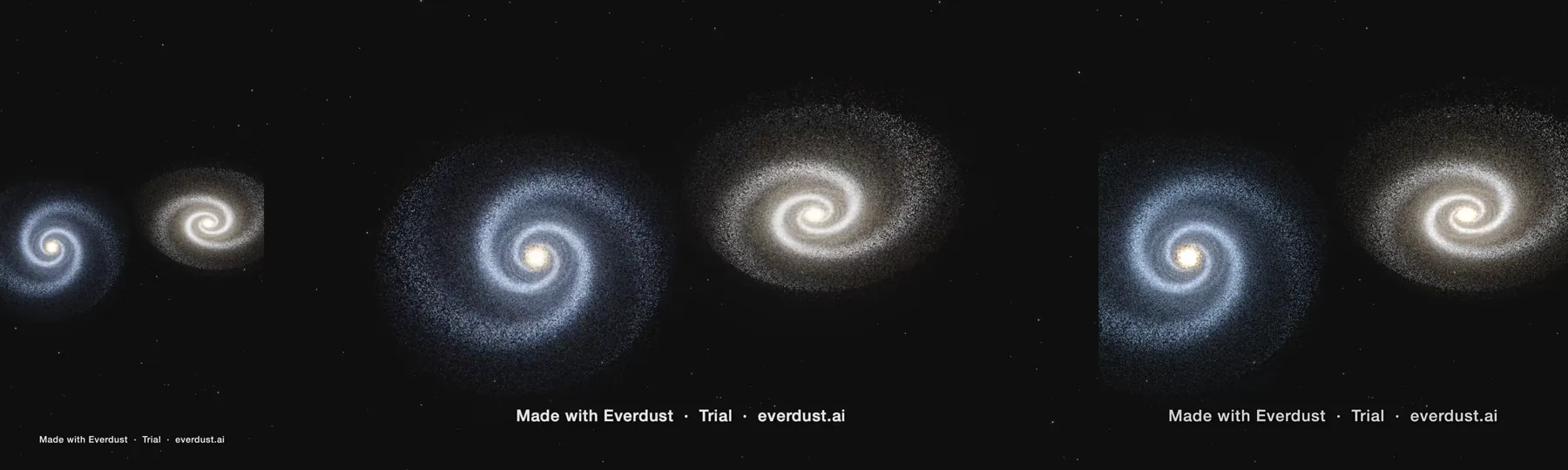
No time limit, no account. Licensed exports end with a small “made with Everdust” tag you can turn off.
Free loops
Six loops for your next video, free.
Six seamless loops from Everdust’s first pack, Cosmos I: Collisions. 4K and vertical, rendered from real physics, yours to use in anything you make, commercial work too.
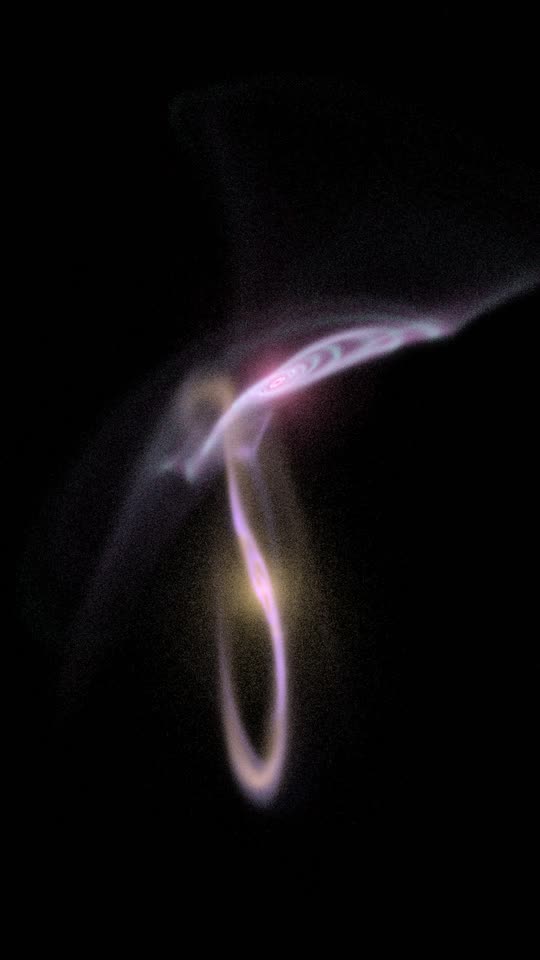 Tidal Tails
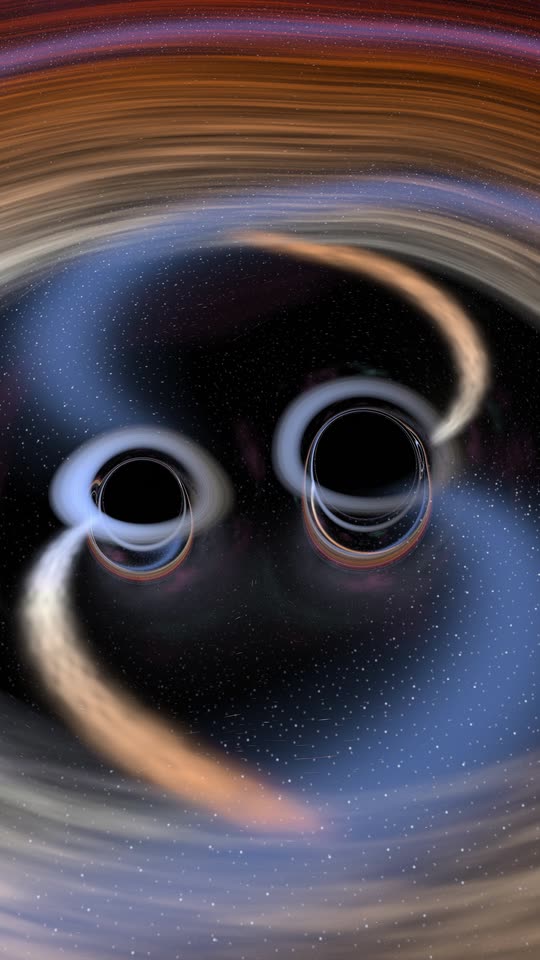 Inspiral
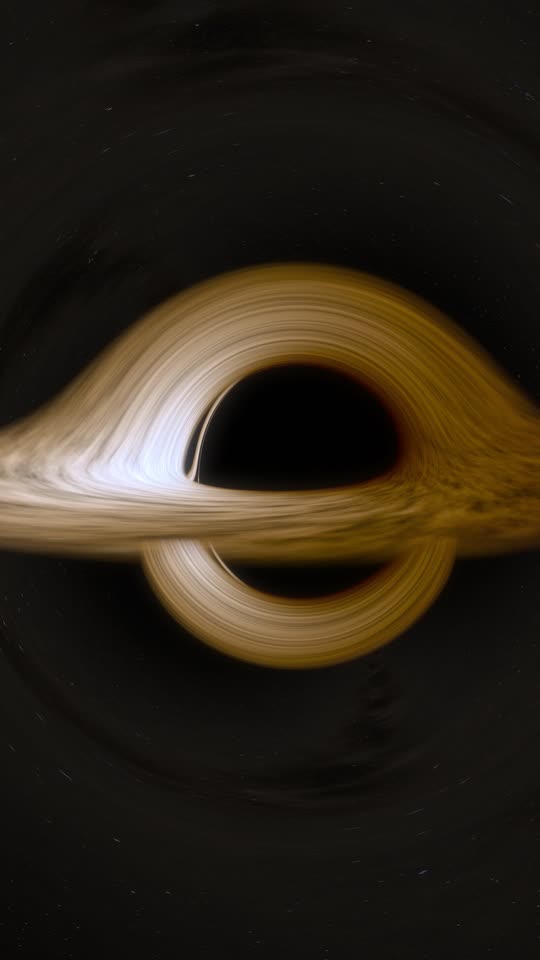 Kerr Disk
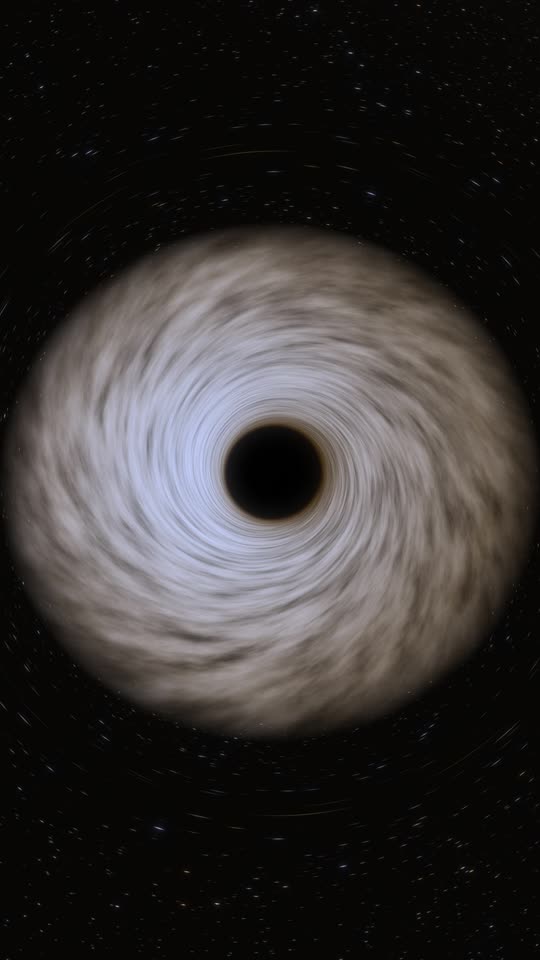 Kerr Face On
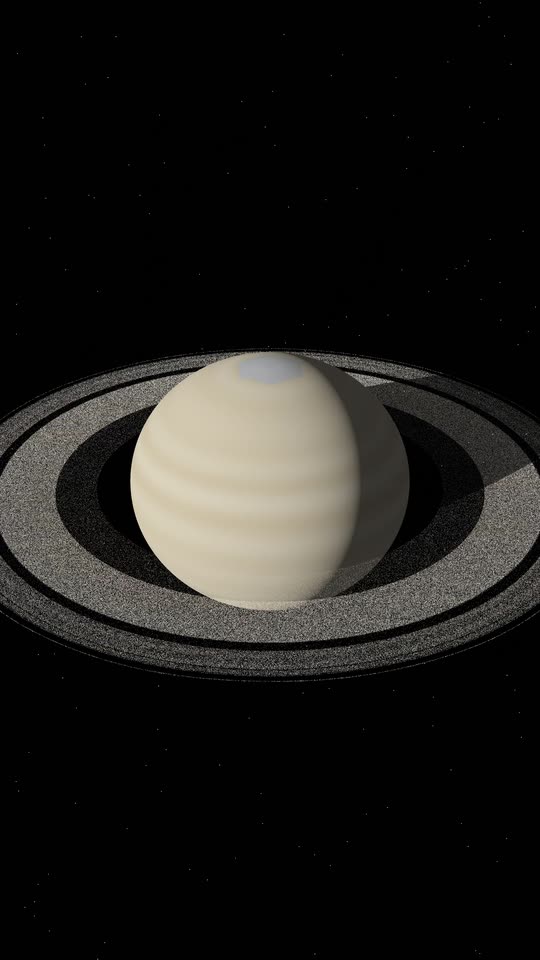 Saturn Rings
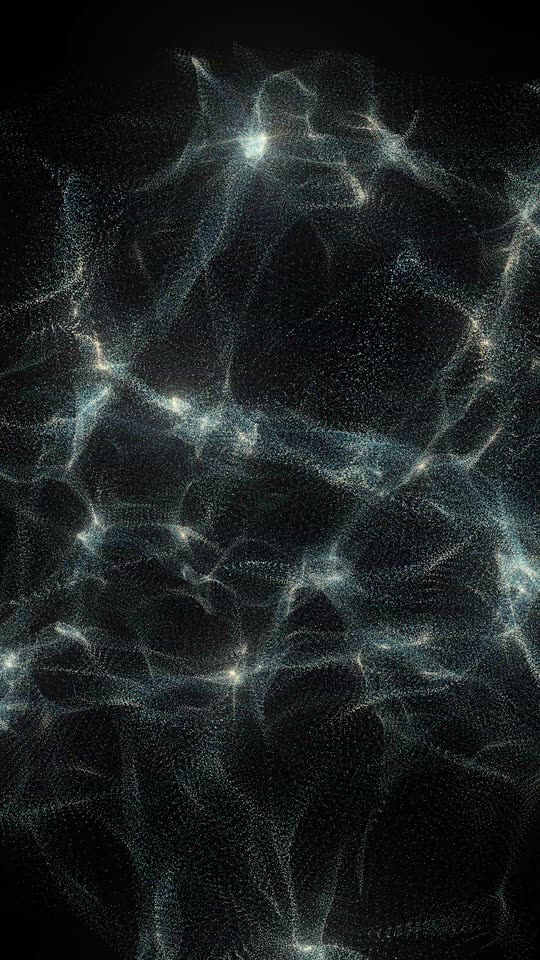 Cosmic Web
Questions
Before you buy.
- How does export work?
- Turn on Capture and play your song. The plugin records your mix and your DAW’s beat map, tempo changes included. Press Render video and pick a format: the Everdust Plugin app renders it offline, every frame in sync, with your audio inside. You can also drop in a bounced mixdown and type its tempo.
- Is it a subscription?
- No. Pay once, use it on 2 Macs. Updates are free for 12 months; after that keep your version or renew for $19.
- Which DAWs?
- Any DAW that loads Audio Unit, VST3 or CLAP plugins on an Apple silicon Mac. If your DAW has Audio Unit v3 support switched off by default, use the VST3.
- Does it change my audio?
- No. It passes the audio through untouched and adds no latency.
- Will it slow my session?
- The window draws at your display’s rate and eases off when the GPU is busy; close it and it stops drawing. Rendering happens in the separate app, offline.
- Can I post the videos commercially?
- Yes. Your renders are yours, monetized channels included. The music has to be yours, or cleared.
- What does Plugin Pro add?
- The Pro exports: Apple Vision Pro spatial video (MV-HEVC), VR180, 360° video, mono or stereo, HDR10 masters, HLG masters. It’s $99 once, or $40 to upgrade a Plugin license within 12 months of buying it (from your license page): same license, same Macs, same updates period. The trial renders them too, with the watermark.
- I own Everdust Live Pro.
- Then you own the plugin, Pro exports included: a licensed Live Pro on the same Mac unlocks it. Download the installer from your license page.
- Windows or Linux?
- Not yet. The engine runs on Apple’s Metal today; a Vulkan version is the route there.
- Photosensitivity?
- Beat flash is off by default, and the control carries a warning.
- Refunds?
- A full refund within 14 days of purchase, for any reason: reply to your receipt. The trial is the whole plugin, so try it first.
Everdust Plugin is covered by the Everdust EULA, plugin section. Already bought? Your licenses.
VST is a registered trademark of Steinberg Media Technologies GmbH.