Everdust has a subreddit: r/everdust
Everdust now has its own subreddit, r/everdust, run by Seth, who makes the app. What you'll find there (clips, questions, bug reports, feature ideas and release notes), how to report a bug so it gets fixed fast, and where the FAQ is.
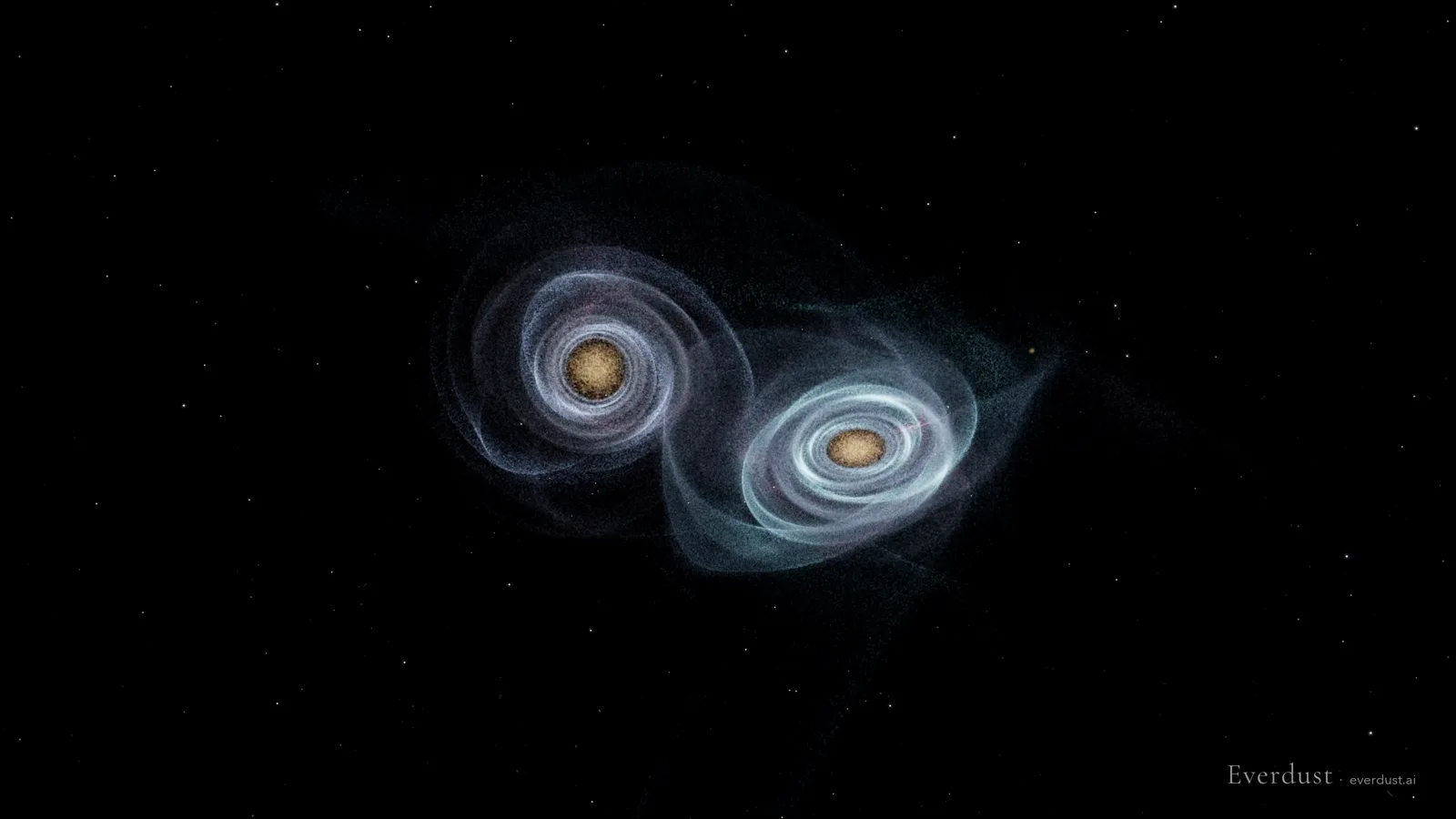
Everdust has a subreddit now: r/everdust. I'm Seth, I make Everdust, and I'm the one who reads and answers it. I made it so there's one public place for clips, questions, bugs and ideas, instead of them being scattered across email, store reviews and other people's threads.
What you'll find there
- Clips. Full simulations from the app, start to finish: two galaxies colliding and merging, a star collapsing into a black hole, planets forming in a young disk, the cosmic web taking shape. Every frame is computed physics, nothing generated.
- Questions. Ask anything about the app, the devices it runs on or the physics behind a scene. If I don't know, I'll say so.
- Bug reports. If something breaks, this is the fastest public way to tell me (more on that below).
- Feature requests. What you'd want to see simulated next, or what's missing on your device.
- Release notes. A short post when an update is actually live in a store, not before.
- Night Sky and Wonders. Screenshots and questions about Night Sky and the deep-sky worlds you can fly into.
Posts have flairs (Clip, Question, Bug, Feature request, Night Sky, Wonders and Release notes) so you can filter for what you care about.
Start with the FAQ
The pinned post, Everdust FAQ: where it runs, what's free, and how the physics works, answers what people ask most: which devices Everdust runs on, what's free, which devices have Night Sky, the Mac download, Quest, and how the simulations work. If something in it is wrong or missing, say so in the comments and I'll fix it.
How to report a bug
Post it with the Bug flair and include:
- Your device, for example iPhone 15, Galaxy S24, Meta Quest 3 or Apple Vision Pro.
- The app version, if you can find it.
- What you did and what you saw: which world or game, and what happened instead of what you expected. A screenshot or a short screen recording helps a lot.
If you'd rather not post in public, the app's own bug report (in Settings, About or the Help menu) sends the app version and device model with your message, and so does the feedback form. Either way a person reads it.
Other places to find Everdust
- The app: the App Store for Apple Vision Pro, iPhone, iPad and Apple TV, Google Play for Android and the Meta Horizon Store for Meta Quest 3 and 3S, all free.
- Mac: a free download from everdust.ai (version 1.0.1; macOS 14 Sonoma or later, Apple silicon (M1 or later)), signed and notarized by Apple. The Mac App Store version is in review.
- In any browser, no install: the free simulators at everdust.ai/play.
- Questions that aren't for Reddit: the support page.
Get Everdust on every device
- Apple Vision ProDownload on the App StoreEverdust 1.1 for Apple Vision Pro: Night SkyEverdust is on Apple Vision Pro
- iPhone and iPadDownload on the App StoreEverdust is on iPhone and iPad
- Apple TVDownload on the App StoreEverdust is on Apple TV
- Android phones and tabletsGet it on Google PlayFree space science games for Android: Everdust on Google Play
- Meta Quest 3 and 3SGet it on the Meta Horizon StoreEverdust is on Meta Quest
- MacDownload for MacFree. Mac App Store version in review.
- Any web browserTry the worlds free
Free to download on every store, with no ads. Everdust Plus is optional: what it costs and where.