For your music · Mac · Coming soon
Everdust for Mac
Whatever you play, as real physics.
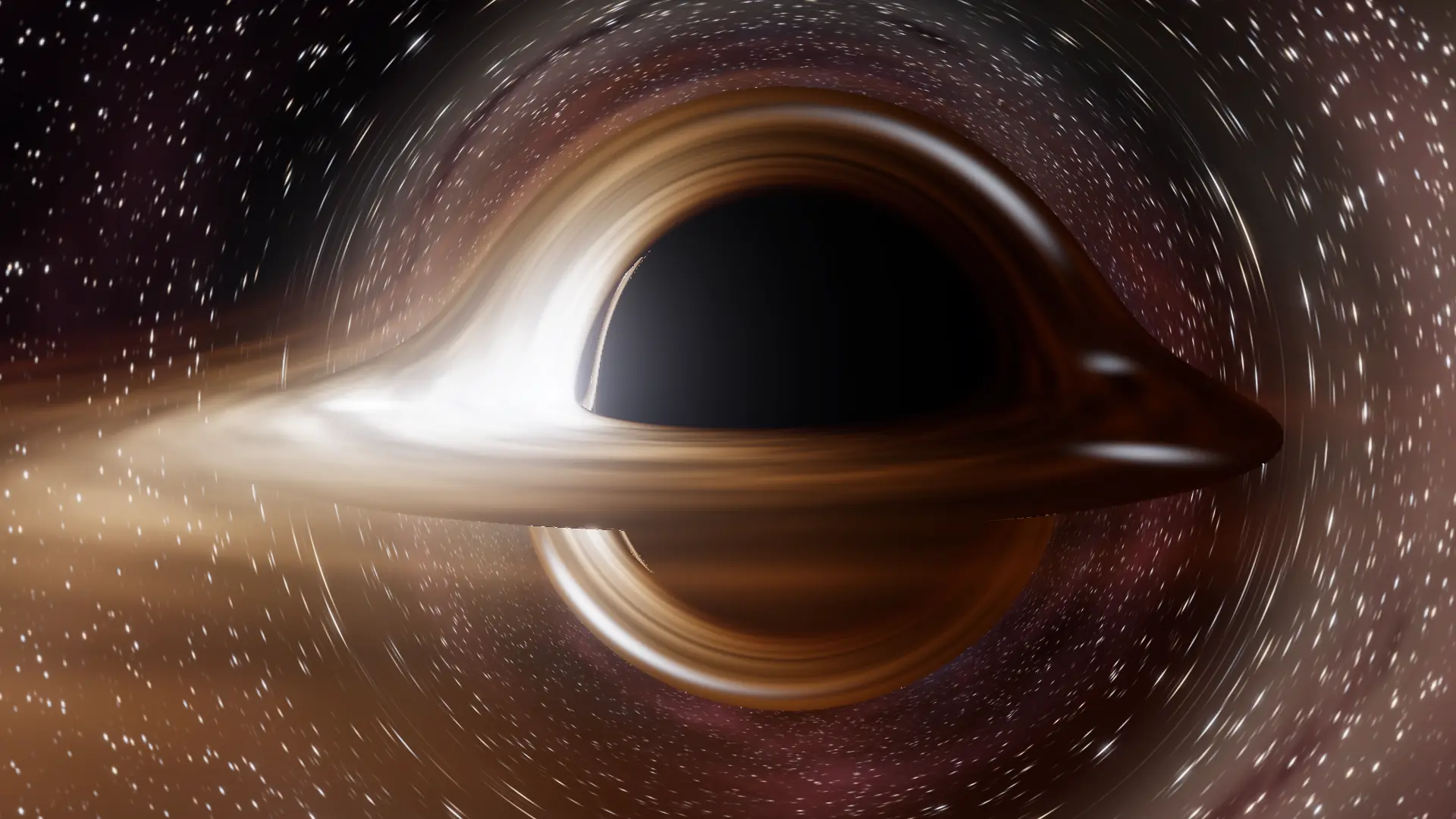
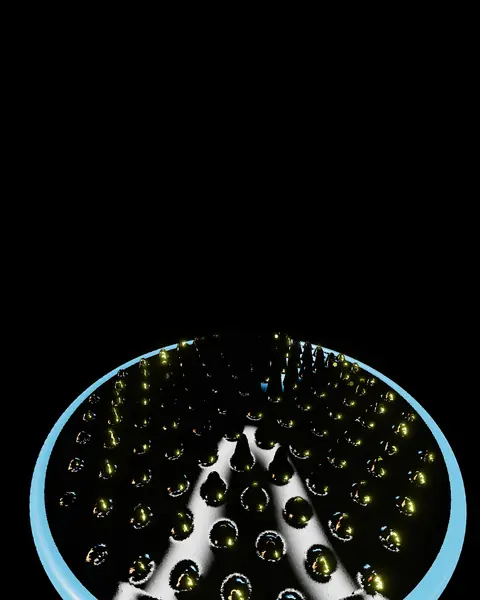
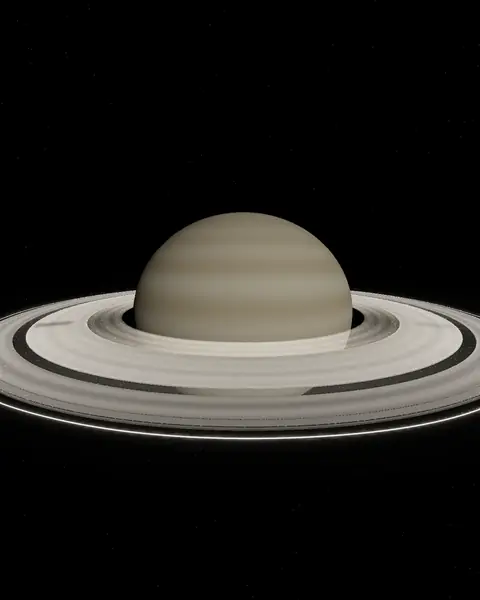
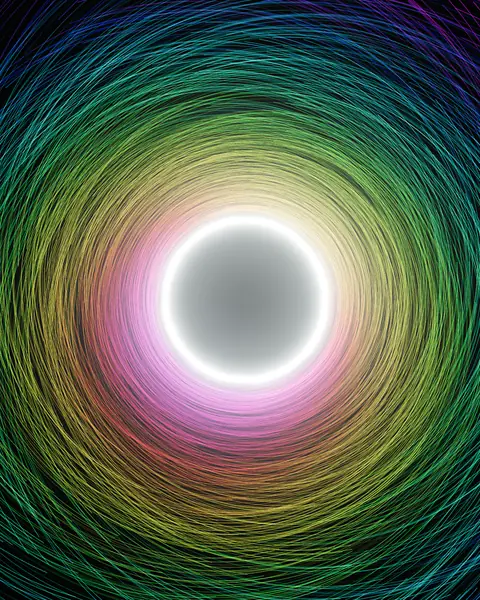
Galaxies colliding, a black hole bending its own light, ferrofluid spiking with the bass. Everdust listens to the music your Mac is playing, or to the room, and moves every world to it. On your screen, or on every display you plug in.
Coming soon: get notifiedEverdust Plus from $4.99/moEvery world and game is free. Real simulations, every frame computed on your Mac.
- Freeevery scene and every way to listen
- Plusevery Story and chapter, and every new drop
- Any displayfull screen on the Mac, or out to a TV or projector
- Privatesound is analysed on your Mac, never recorded or sent
How it works
Play something. Watch it move.
- Pick what it listens to.The music your Mac is playing, headphones included, or the microphone for the room. Or drop in your own songs.
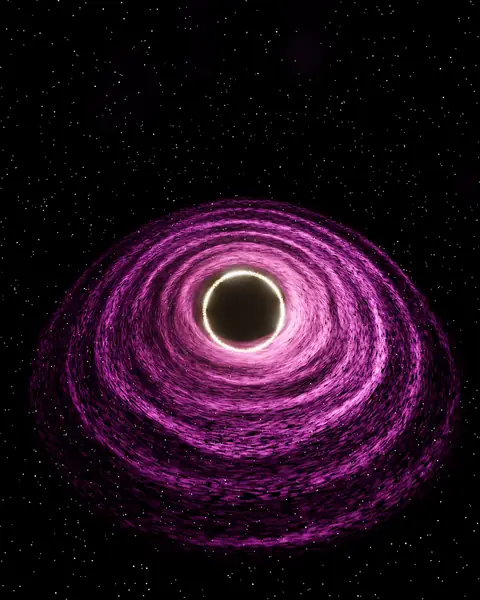
- Pick a world.Each scene is its own simulation: gravity, fluids, flocks, light. Drag to orbit, scroll to zoom.
- Fill the screen.Full screen, or send the scene to another display and keep the library on your Mac.
What’s in Plus
The Stories: step inside, and learn what you’re seeing.
Every Story, every chapter
- The Story of Everything
- The Future of Everything
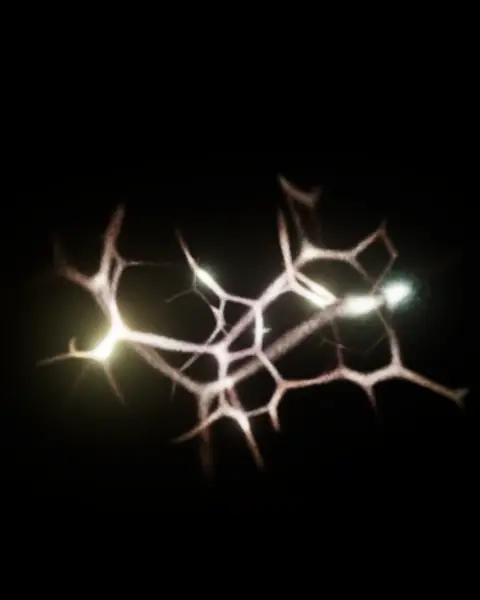
- Anatomy of a Thought, both parts
- Chapter I of The Story of Everything stays free
Every new drop
- New Stories and worlds as they arrive
- Every update to the app
- No account: a key from your email
Yours on 2 Macs
- Paste the key from your email, and the Mac activates
- Works offline once activated
- Move it to a new Mac from the app or your licence page
Buy
Coming soon.
Everdust itself is free. Plus adds every Story and every new drop on 2 Macs: $29.99/yr with 7 days free (save 50%), $4.99/mo, or $79.99 once for good.
Free download
Everything but the Stories is free.
Every scene and every way to listen, with no time limit and no account. Add Plus from inside the app whenever you like.
Download opens soonA signed, notarised app: open the disk image and drag it to Applications.
- Mac
- macOS 14 Sonoma or later, Apple silicon (M1 or later).
- Sound
- The music your Mac plays, the microphone, or your own files. Analysed on the Mac, never recorded or sent.
- Displays
- Full screen on the built-in display or any display you connect, in HDR where the display supports it.
- Updates
- The app tells you when a new version is out, and you choose when to download it.
Questions
Before you buy.
- What’s free?
- Everything you can play: every world, every way to listen, full screen and external displays. Plus adds the Stories after their first chapter, and every new drop.
- Is Plus a subscription?
- Your choice: monthly, yearly (the first 7 days free), or Lifetime, paid once. Cancel a subscription any time from your license page; Plus stays on to the end of what you’ve paid for.
- How do I unlock it?
- Your key arrives by email. In Everdust, open Everdust Plus Licence…, paste it and press Enter Licence: the Mac activates and the Stories unlock.
- Do I need to be online?
- Only to activate. A new key works straight away for 14 days even offline. A Lifetime key never needs to check again; a subscription picks up each renewal when the Mac is next online.
- New Mac?
- Deactivate the old one in the app or on your licence page, then activate the new one.
- Lost your key?
- Ask for a link at everdust.ai/licence with the email you bought with: your key and your Macs are there.
- Refunds?
- Within 14 days of purchase, reply to your receipt.
- Photosensitivity?
- Some scenes pulse with the beat. If you are sensitive to flashing light, set Brightness to Dim in Settings and take breaks.
Everdust is covered by the Everdust terms (draft, under legal review). Already bought? Your licences.