Space screen savers on Apple TV: Earth from the Space Station, and apps that go further (2026)
Apple TV's own Aerials include real footage of Earth that astronauts filmed from the International Space Station. Apps can't add screen savers to Apple TV, but a few space apps do the same job once you open them, from Earth seen from orbit to the Webb telescope's images, live galaxies and black holes, and tonight's sky over your city. How to set each up, and what it costs.
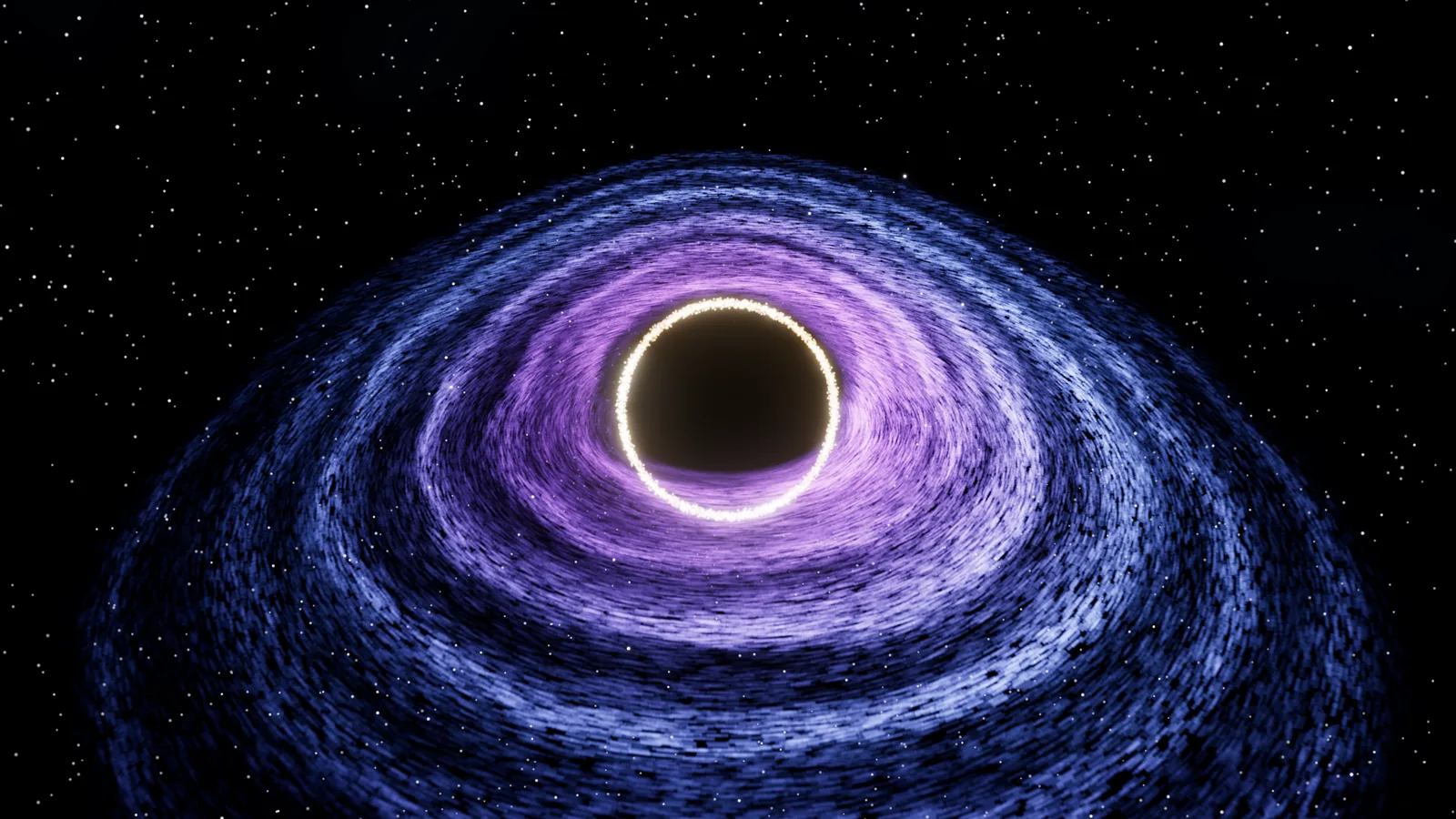
Apple TV does have a space screen saver, and it's real footage: among Apple's Aerials are views of Earth that astronauts filmed from the International Space Station. Pick Aerials in Settings › Screen Saver. Apps can't add screen savers of their own to Apple TV, so for nebulae, galaxies, black holes or the night sky you open an app that plays them full screen instead: Earthlapse 4K, Solar Beam, TrueEarth or Everdust, which I make.
I make Everdust, so read the app parts with that in mind. Every other app here is described from its own US App Store listing, checked November 8, 2026.
Are the Apple TV space screen savers real?
Yes. Apple worked with the International Space Station U.S. National Laboratory, and astronauts on the station filmed Earth in 4K HDR, by day and by night, over places such as Sicily, Tokyo and San Francisco. Apple announced them at its developer conference in June 2018 and added them to Apple TV's Aerials with tvOS 12 that fall. They're video of the real planet, not renders.
How do you set a space screen saver on Apple TV?
- Open Settings on your Apple TV and choose Screen Saver.
- Under the current selection, choose Aerials. The other types are Memories & Slideshows, Portraits and Snoopy.
- In the same place, choose which aerial themes play and how often new aerials download.
That's the whole list. Apple TV takes its screen saver only from Apple's own types, and no app can add one. Earthlapse 4K's listing says it plainly: it "does not function as the Apple TV screen saver. It must be launched independently."
Space apps that work like a screen saver
You open these yourself, and they play full screen until you stop them.
Earthlapse 4K: Earth from the Space Station
Earthlapse 4K by Jetson Creative is the closest thing to Apple's space aerials as an app: 20 views of Earth captured by astronauts on the ISS, from NASA's Johnson Space Center, in 4K with 10-bit color on an Apple TV 4K. You get nine soundtracks or your own music, a live ISS tracker, an on-screen clock in four styles, four color filters and five playback speeds, and it slowly moves the text about to guard against burn-in. It's $1.99 and needs tvOS 27 or later.
Solar Beam: Webb's images as a gallery
Solar Beam: James Webb Images by Midgar Oy shows the Webb telescope's images in 4K with their real captions and credits, plus NASA's Astronomy Picture of the Day. Its Ambient Mode, "a living deep-space gallery for your screen", is part of Premium: $4.99 a month, $19.99 a year or $39.99 once. Free, you get 24 Webb images, today's picture and the past week's, and the asteroid tracker. It needs tvOS 18 or later.
TrueEarth: the whole planet, turning
TrueEarth by Michael Murrey shows the whole sunlit Earth from NASA's DSCOVR spacecraft, a million miles away, on a globe you can turn with the Siri Remote, and has an ambient rotating globe to come back to. Its latest release notes say it's completely free, with no subscriptions or ads. It needs tvOS 17 or later.
PlanetLapse Space: 4K space footage with a clock
PlanetLapse Space by Jewelsapps plays 4K space video, Earth, planets and stars, with an optional clock, weather, filters and effects, on shuffle or on repeat. It's $0.99, with full-version purchases of $0.99 and $9.49 listed, and needs tvOS 15 or later.
Everdust: live galaxies, black holes and tonight's sky
Everdust is the one I make, and it's different in kind: nothing in it is a recording. The galaxies, black holes and fluids are live simulations, so they never play the same way twice. While Everdust is open, the Apple TV screen saver doesn't start.
- Play all (Ambient mode). Choose Play all on the home screen and leave it. Everdust takes a slow, shuffled lap through its worlds, each for its own length, while the scenes turn slowly all the way round: galaxies colliding with up to about a million stars, black holes bending the light, ferrofluid spiking to music.
- Night Sky (since version 1.1, November 7, 2026). The real sky over your city tonight, turning at its real pace. Click and hold for the options and set star trails to draw a long exposure of the stars' arcs, or turn on the aurora. Press Play/Pause to run time at ten minutes a second and watch the night go by.
- Fly into a wonder and stay. Aim at the Orion Nebula or the Pillars of Creation, click, and you're inside real Hubble and Webb photographs, given depth. Swipe to look around.
It's free, with no ads and no account. Version 1.1 needs tvOS 27, which runs on the Apple TV 4K (2nd generation, from 2021) and newer. More in Night Sky on Apple TV and Everdust on Apple TV.
Which one?
- Real footage of Earth, at no cost: Apple's own Aerials.
- Earth from orbit, with a clock and your own music: Earthlapse 4K.
- Webb's pictures, still and captioned: Solar Beam.
- The whole Earth turning: TrueEarth.
- Galaxies and black holes that are never the same twice, or tonight's sky: Everdust.
There are also long space videos on YouTube, ten hours of nebulae or starscapes, and they play on Apple TV's YouTube app like any video. And if you want a space screen saver on a Mac, where apps can add one, there's the free Everdust Screen Saver.
For space apps on Apple TV that aren't about the screen saver, such as Night Sky's tours of tonight's sky and NASA+, see stargazing and space apps for Apple TV.
Questions people ask
Does Apple TV have a space screen saver? Yes. Apple's Aerials include footage of Earth filmed by astronauts on the International Space Station, added with tvOS 12 in 2018. Choose Aerials in Settings › Screen Saver.
Are the Apple TV space screen savers real? Yes. They're real video of Earth, shot in 4K HDR by astronauts aboard the International Space Station in a collaboration between Apple and the ISS U.S. National Laboratory.
Can I add a screen saver app to Apple TV? No. Apple TV's screen saver comes only from Apple's own types: Aerials, Memories & Slideshows, Portraits and Snoopy. Space apps such as Earthlapse 4K, Solar Beam and Everdust play full screen when you open them instead.
Is there a galaxy or black hole screen saver for Apple TV? Not as a system screen saver. Everdust plays live galaxy collisions and black holes full screen when you open it and choose Play all, and keeps the screen saver from starting while it's open. It's free.
Is there an ambient space app for Apple TV? Yes. Earthlapse 4K plays Earth from the Space Station, Solar Beam's Ambient Mode (Premium) shows Webb's images, TrueEarth turns a globe of the whole Earth, and Everdust's Play all runs through live galaxies and black holes.
Sources
- Apple Support, Adjust screen saver settings on Apple TV (the screen saver types and aerial settings).
- ISS U.S. National Laboratory, Apple unveils new aerials taken from space, July 25, 2018.
- Each app's US App Store listing for Apple TV, linked in its section, checked November 8, 2026: price, in-app purchases, minimum tvOS and the features its description names.
- Everdust: Space Science Games on the App Store, and its Apple TV 1.1 release notes (November 7, 2026).