SpaceEngine vs Celestia vs Everdust
SpaceEngine runs on Windows ($29.99 on Steam) and supports PC VR headsets; its FAQ says there's no point making a mobile version, and its Steam page lists no Mac build. Nothing on a Mac, a phone or Apple Vision Pro reproduces its 1:1 universe. The closest for roaming a 3D universe is Celestia, free on iPhone, iPad, Mac and Android. Everdust does something else: live simulations you can put your hands in, and a Night Sky whose nebulae and galaxies you fly inside.
- Pick SpaceEngine if you have a Windows PC with a decent graphics card: it is the deepest universe explorer there is, in VR too.
- Pick Celestia on a Mac, iPhone, iPad or Android to travel to any planet, star or galaxy in its catalogs, for free.
- Pick Everdust for physics you can touch, free on Apple Vision Pro, Apple TV, Android phones and tablets, iPhone, iPad and Meta Quest 3 and 3S.
Side by side
| Feature | SpaceEngine | Celestia | Everdust |
|---|---|---|---|
| What it is | A 1:1 scale universe: catalog objects plus procedural galaxies, stars and planets[1] | A real-time 3D space simulator and planetarium; visit any object from any point in space and time[2] | Live particle simulations, physics games and narrated science Stories[3][4] |
| Platforms | Windows only (Steam); no mobile version planned[1][5] | iPhone, iPad and Mac (it also runs on Vision Pro as an iPad app); Android[2][6] | Out now: Apple Vision Pro, Apple TV, Android phones and tablets, iPhone, iPad and Meta Quest 3 and 3S. Mac: a free download from everdust.ai/mac (Mac App Store version in review).[3][4] |
| Price | $29.99 on Steam (Early Access)[1] | Free; optional Celestia PLUS ($0.99 a week to $79.99 lifetime on the App Store)[2] | Free. Everdust Plus is optional: $4.99 a month, $29.99 a year or $79.99 once (US).[3][4] |
| VR | Yes: SteamVR or Oculus PC[1] | No native Vision Pro app (its iPad app runs there in a window)[2] | Apple Vision Pro: full immersion, or worlds resting in your room, and you reach in with your hands. Meta Quest 3 and 3S: the worlds and games with hand tracking or Touch controllers, in passthrough or fully immersed.[3][7] |
| Fly to nebulae and galaxies | Volumetric 3D galaxies and nebulae with dust clouds, anywhere in the universe[1] | Star clusters and galaxies in its expandable database[2] | Yes: Night Sky, the real sky for your place and time; look at a planet or one of its 29 wonders and pinch to fly there[3][4] |
| Physics you can change | Time controls; spacecraft with Newtonian physics[1] | Time controls; accurate solar-system motion[2] | Reach in and the particles move; galaxy collisions of up to about a million stars, black holes bending light[3][4] |
Each app as its own store listing or website describes it, checked November 1, 2026; US prices. Numbers in brackets are the sources below.
Where SpaceEngine is the better pick
- The whole universe at true scale, with procedural planets to land on.
- PC VR today.
- Built for mods and add-ons: your own planets, systems, galaxies and spacecraft.
Where Celestia is the better pick
- Runs on Mac, iPhone, iPad and Android.
- Free, with an expandable catalog and add-ons.
- Accurate positions for real solar-system objects.
Where Everdust fits
I make Everdust, so weigh that. Everdust is not a universe explorer: you can't type in a star's catalog number and go there. What you get is simulation: galaxies, black holes and nebulae made of live particles that move with your music and answer your touch, on Apple Vision Pro with your hands.
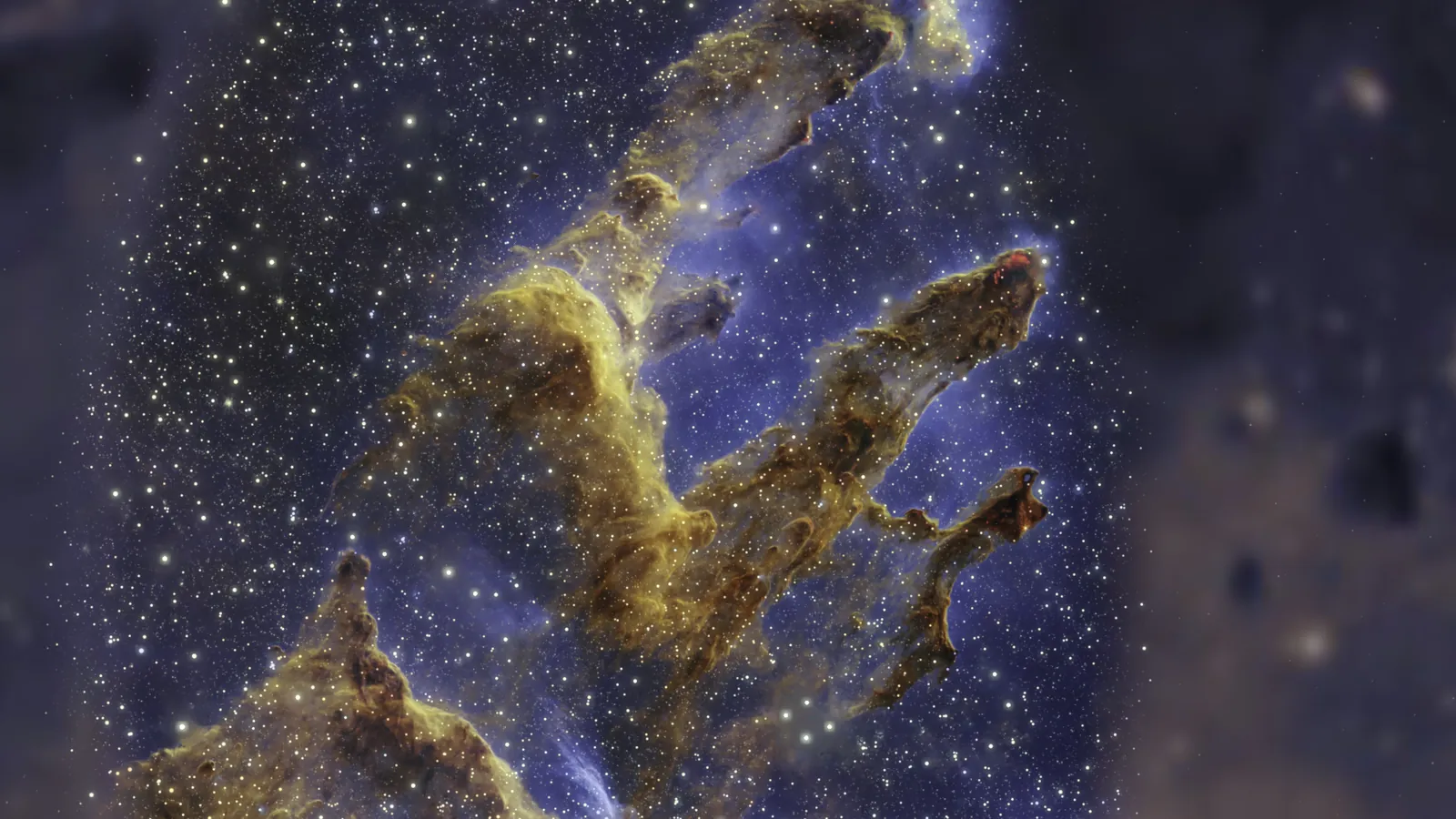
Everdust's Night Sky on Apple Vision Pro puts the real sky for your place and time around you: look at a planet and pinch to fly there, or at one of its 29 wonders, a nebula, a galaxy or a star cluster, and fly inside it. The Everdust Atlas has a page for each.
The free version covers every world and toy, The Story of Everything in full, and each game's first 3 levels or more and its daily level; Everdust Plus unlocks the rest.
Everdust is free on Apple Vision Pro, Apple TV, Android phones and tablets, iPhone, iPad and Meta Quest. On Mac, it’s a free download; the Mac App Store version is in review.
Everdust on the App Store for Apple Vision ProGet it on Google PlayEverdust on the App Store for iPhoneEverdust on the App Store for iPadEverdust on the App Store for Meta Quest
Questions people ask
Is SpaceEngine on Mac? Its Steam page lists Windows only, with no macOS build. On a Mac, Celestia (free) is the closest way to roam a 3D universe.
Is there a mobile version of SpaceEngine? No. Its FAQ says there would be no point, because very few mobile devices are powerful enough. Celestia is on iPhone, iPad and Android, and Everdust runs galaxy and black hole simulations on iPhone, iPad, Android, Apple Vision Pro and Meta Quest.
Does SpaceEngine work in VR? Yes, with SteamVR or Oculus PC headsets, on a Windows PC. It has no Apple Vision Pro or standalone Quest app.
Is there something like SpaceEngine for Apple Vision Pro? Nothing with its scale. Everdust's Night Sky lets you look at a real nebula or galaxy and fly inside it, and Celestia's iPad app runs on Vision Pro in a window.
Is SpaceEngine free? No. It costs $29.99 on Steam, and SpaceEngine PRO, for commercial use, is $69.99. Celestia and Everdust are free.
Sources
- SpaceEngine on Steam
- Celestia on the App Store
- Everdust on the App Store
- Everdust on Google Play
- SpaceEngine FAQ
- Celestia on Google Play
- Everdust on the Meta Horizon Store
Checked November 1, 2026. Prices and features change; the store listing is always the final word. I make Everdust, and I’ve tried to describe the other apps as fairly as their makers do. Everdust is also listed on AlternativeTo as an alternative to SpaceEngine and Celestia.