Everdust 1.2
What’s new in 1.2
Everdust 1.2 reaches each device on its own day, as each store passes it. Here is what’s new on each one, in the words of its release notes.
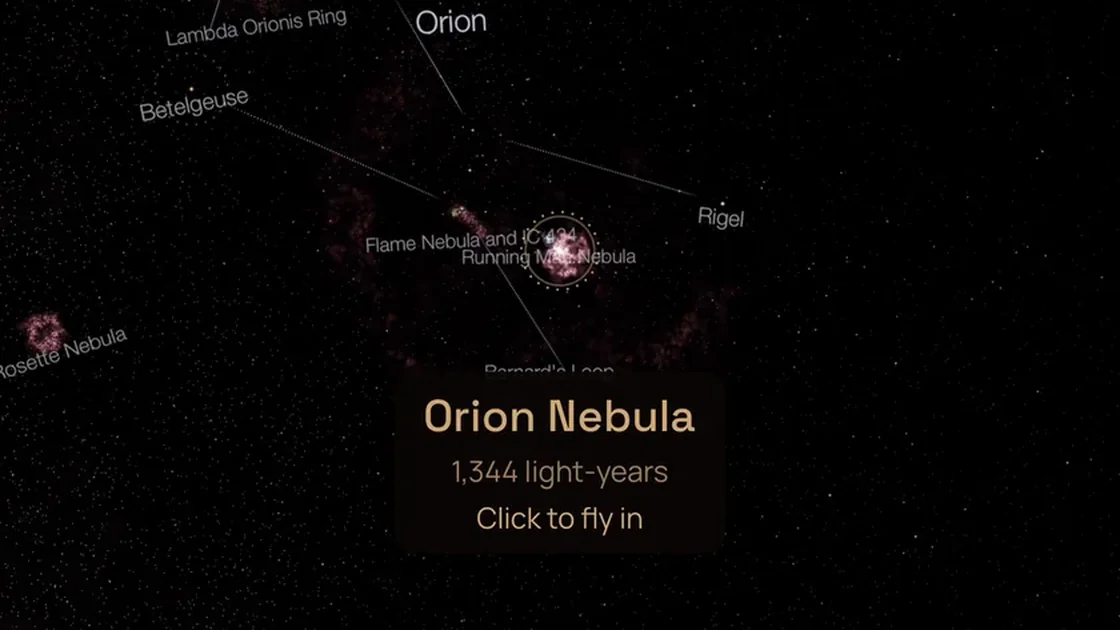
Night Sky you click, Ambient mode and a new aurora
- Night Sky now leads For you: look around the whole sky and click any name you see, from Deneb to the California Nebula. A wonder with a world flies you straight in; any other name gets a short card and a closer look. The Wonders row lists every world, the ones up tonight first.
- Places: click and hold, then Place, to see the real sky from 12 dark-sky and aurora sites, like the Atacama Desert or Abisko in Sweden, or from Another city anywhere in the world.
- A new aurora, drawn the way real ones form: click and hold, choose Always on, then Gentle, Active or Storm, from a low glow over the mountains to a storm overhead, mirrored in the lake. Look at it turns you to face it.
- In the daytime, Night Sky opens at tonight's darkness and tells you so. Back to now shows the day sky, with the Sun.
- A short hands-on tour the first time you open Night Sky, and the best of it one click and hold away: a meteor shower, a time-lapse and star trails.
- Fly closer: all 90 worlds from Vision Pro are on Apple TV. Inside a world, aim at a glowing ring and click to fly on, to the heart of the Galaxy, onto the Moon at Apollo 17 or Mars at Jezero. In the planet worlds, click the planet and swipe to spin it.
- Ambient mode: let Everdust drift through tonight's wonders on its own, like a screen saver. Its card sits beside Night Sky, and it can start by itself after a few minutes on Home. Choose tonight's wonders, all wonders, live simulations or your favourites. Any button brings you back, and nothing flashes.
- Top Shelf: put Everdust in your Apple TV's top row to see tonight's wonders and fly straight into one.
- Play your music: choose Music, then From your iPhone or iPad, Everdust music or Visuals only. Three big steps show what to tap for AirPlay, and the scenes move with your song.
Download on the App StoreNeeds tvOS 27.
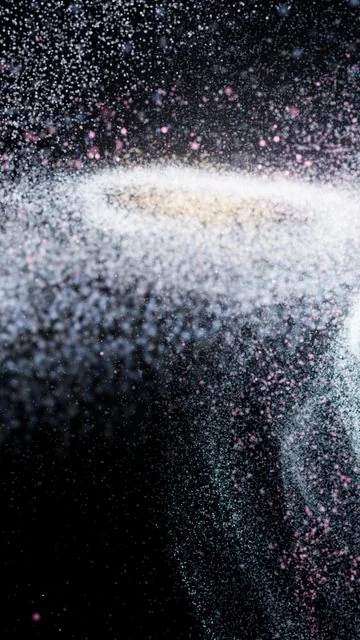
The Feed, the continents and four new Stories
On Google Play this update is version 1.0.11.1.
- Fixes black scenes on some phones with Qualcomm Snapdragon graphics.
- New: The Feed, a painted film you walk into.
- The Story of the Continents: four billion years of drifting land.
- A new Home: pick what you're in the mood for.
- New stories: The Secret Life of Fluids, The Equation of Every Swirl, When Galaxies Collide and The Quantum World.
- Fly to the planets and new sky worlds.
- Lightfold gets harder.
- New: Galaxy Billiards and Kaleidoscope Sphere.
- Stories: narration in Spanish.
- Fixes and polish.